 Holix Studio
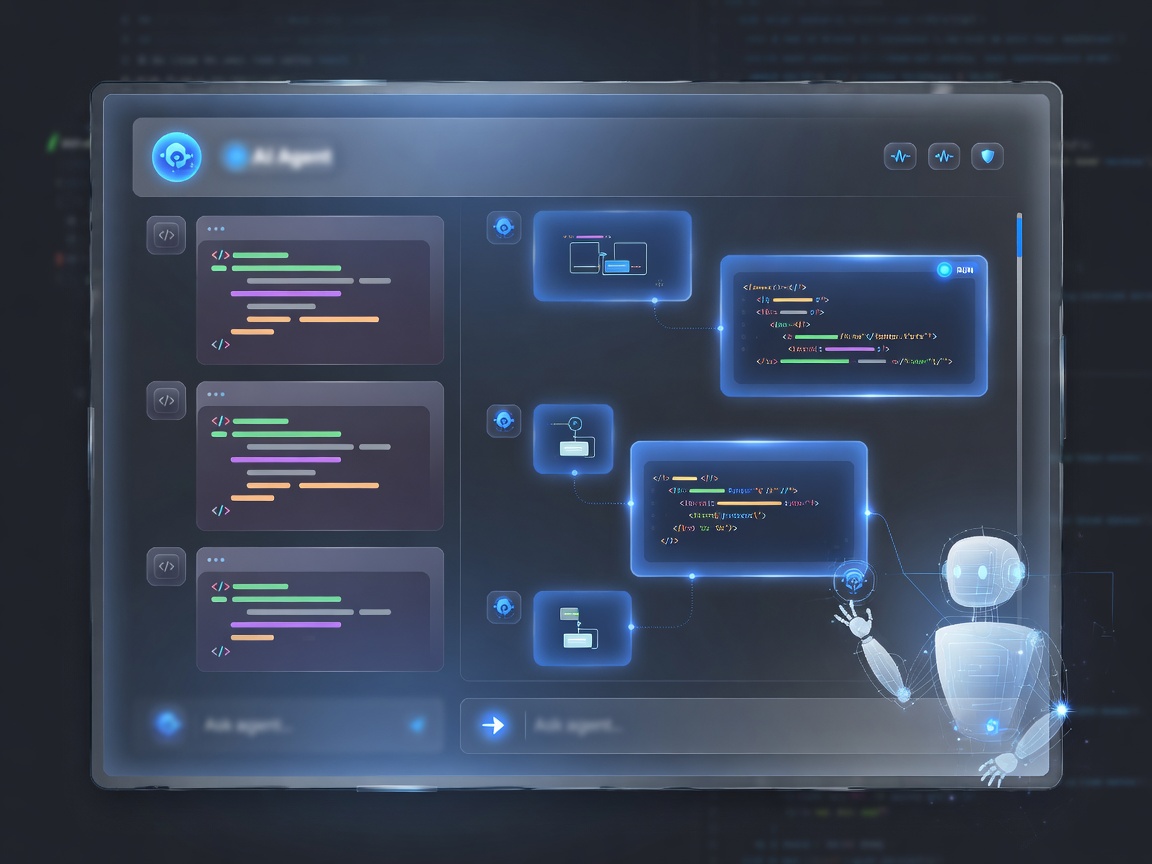
AI-агент с режимами
ReAct, Plan & Execute, Hybrid, субагенты, история сессий и SDD-воркфлоу.
Holix Studio — веб-среда, где AI-агент, код, терминал, Git, Docker, live-preview и удалённый desktop живут в одном workspace. Планируйте, пишите и запускайте — без разрозненных инструментов.

От идеи и спецификации до деплоя превью — Holix Studio закрывает полный цикл AI-assisted разработки.
ReAct, Plan & Execute, Hybrid, субагенты, история сессий и SDD-воркфлоу.
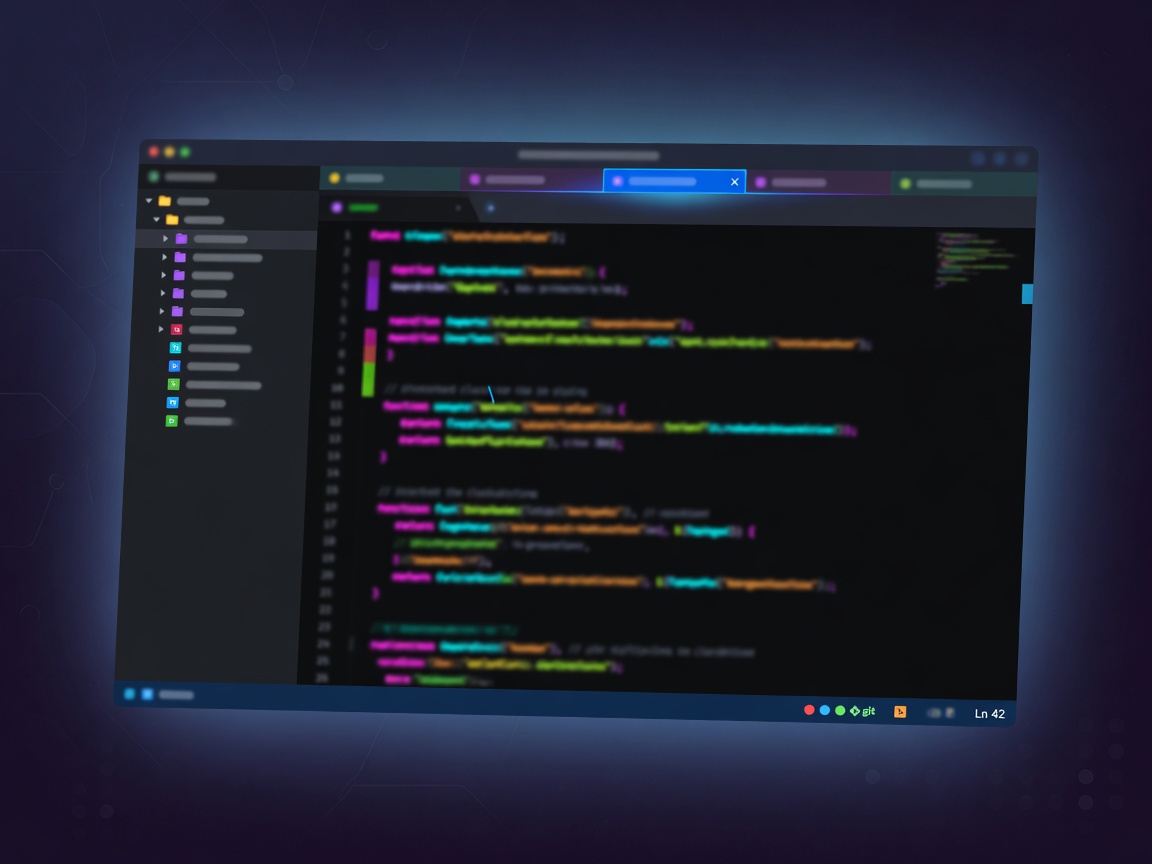
Дерево файлов, вкладки, поиск, patch-инструменты и квоты workspace по тарифу.
Превью портов, красивые домены, custom domain, auto-TLS и безопасные share-ссылки.

Панель контейнеров, compose-стеки и shell внутри runtime прямо из Studio.
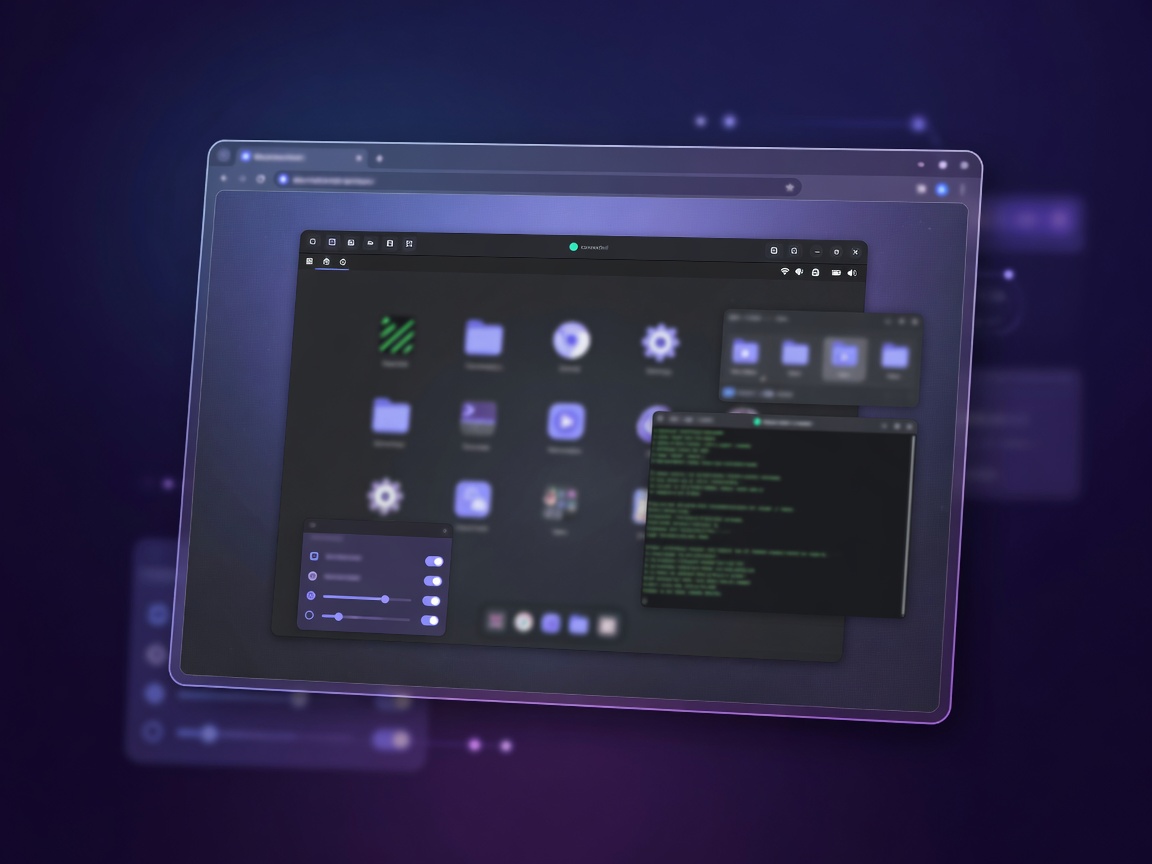
Полноценный Linux desktop в браузере: GUI-приложения, workspace mount, idle-policy.

Статус, diff, commit, push/pull и управление SSH-ключами без выхода из IDE.
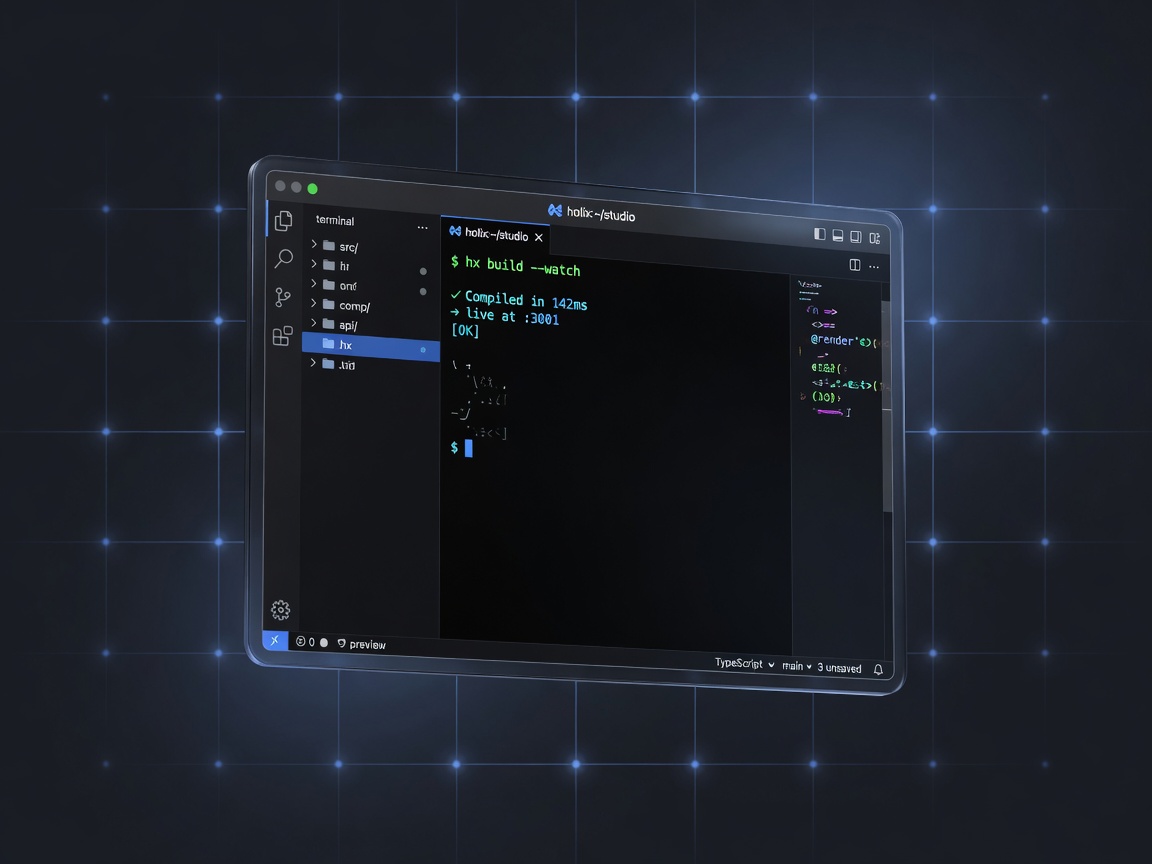
Интерактивный shell, фоновые процессы и runtime рядом с кодом и агентом.

Интеграции, навыки команды и расписание — автоматизация внутри IDE.
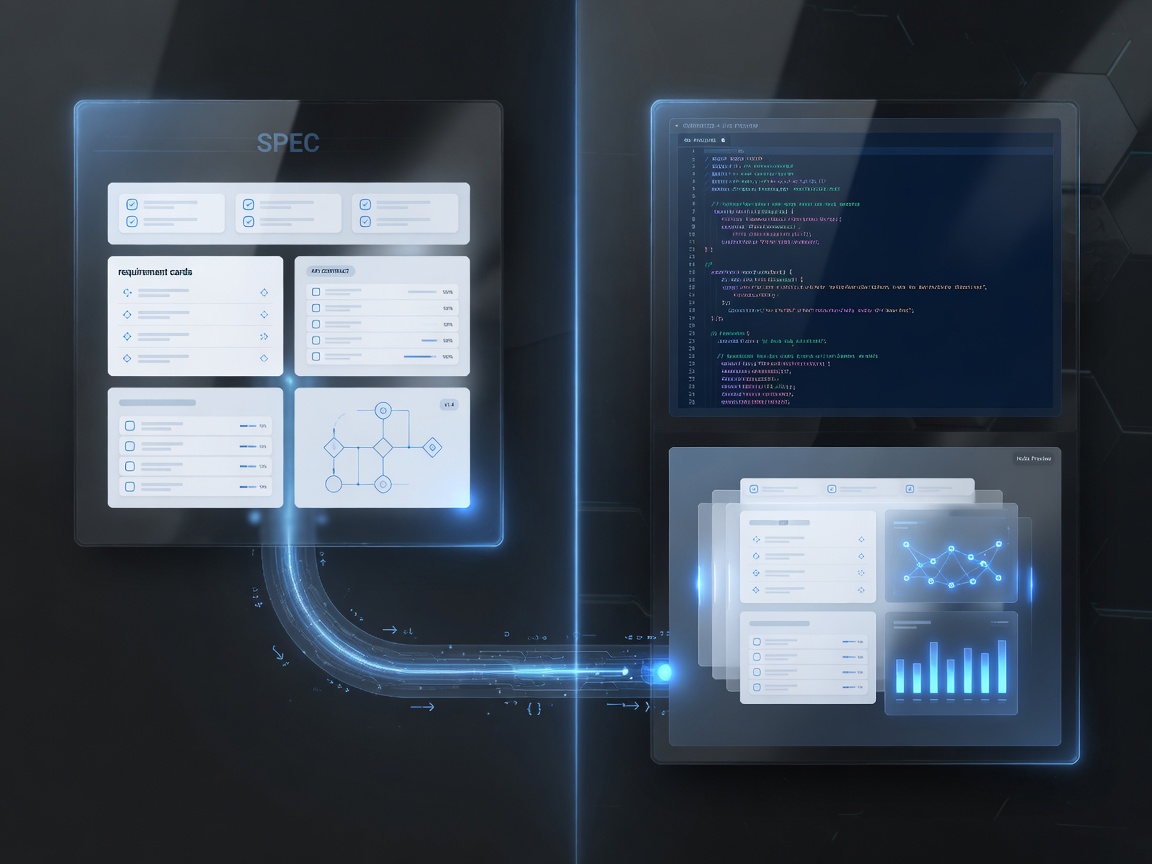
Spec-Driven Development: от требования к коду с прозрачным propose/apply.
Яндекс, Google и другие диски — подключаете свои; помощник работает только в разрешённой папке.

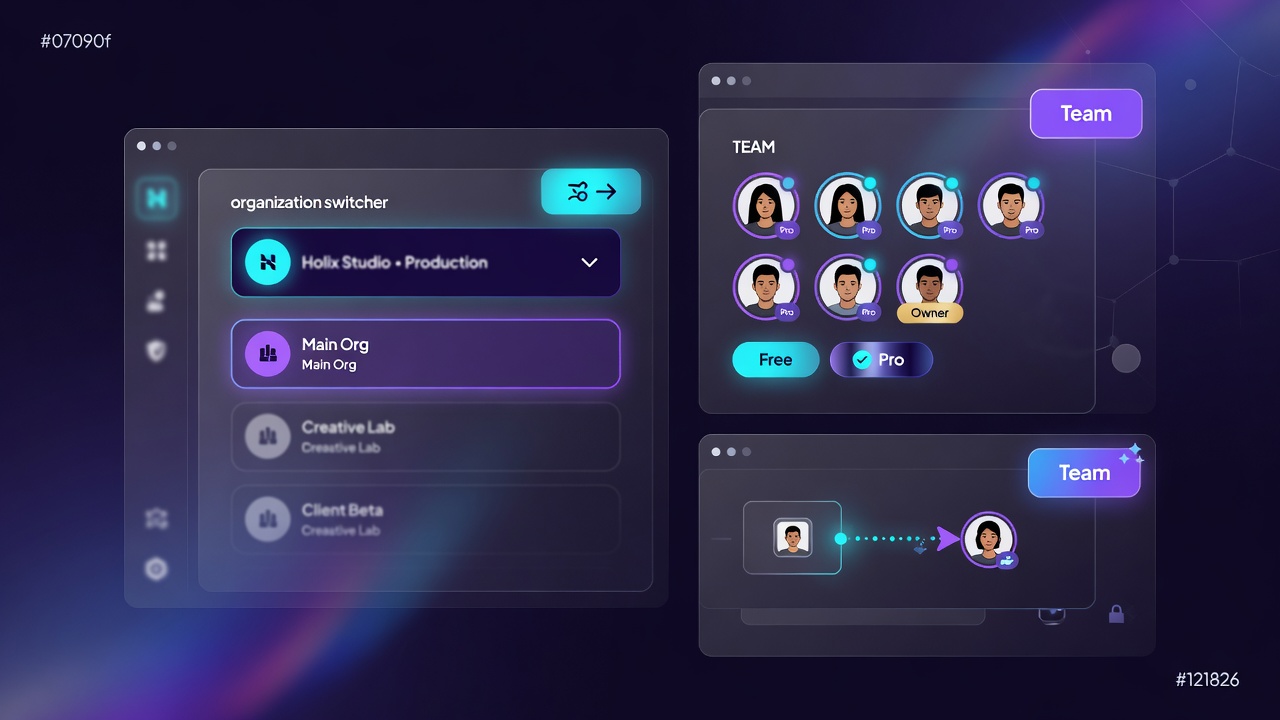
Несколько рабочих групп в одном аккаунте, места для коллег, общая работа над проектом — по тарифу.

Метрики синергии человека и агента. Вкл/выкл владельцем команды.

Агент в Telegram и MAX — задачи в дороге, не только с компьютера.

UI · Telegram · MAX — единая картина работы с агентом.

Документы из облака: ТЗ и отчёты для менеджеров + tools агента.
Чат, инструменты, субагенты и Spec-Driven Development встроены в IDE. Агент читает файлы, правит код, запускает процессы и ведёт историю по типам агентов.
Терминал, фоновые процессы, Docker Compose, desktop-сессии и стрим мобильных устройств — без переключения между окнами и VPN-скриптами.
Повторяемые сценарии закрепляются как skills и cron-задачи. Через MCP агент подключается к внешним системам — от трекеров до внутренней документации и API.
Метрики помогают увидеть, как команда и AI закрывают задачи быстрее и качественнее. Это не про «замену людей», а про прозрачную синергию: где агент разгружает рутину, а человек держит экспертизу и решения.
Studio в браузере — для глубокой работы. Telegram и MAX — чтобы продолжать задачи с агентом в дороге, без ноутбука.
Holix Studio помогает всем, кто работает с информацией и хочет автоматизировать рутину — агент усиливает команду, а не подменяет её.
IDE + агент + runtime: код, Git, Docker, preview в одном окне.
ТЗ на Яндекс/Google Диске, demo-preview, синергия команды и AI.
Runbooks, отчёты, MCP/cron, автоматизация повторяемых сценариев.
Документы, регламенты, мессенджеры — рутина агенту, решения людям.
Внедрите Holix как среду, где разработка, знания и автоматизация работают вместе: быстрее релизы, дешевле рутина, прозрачнее результат.
От спеки и кода до preview в одном workspace — меньше переключений и ожиданий среды.
Агент закрывает типовые задачи; команда фокусируется на решениях и качестве.
Документация и регламенты подключены к агенту — меньше silent knowledge loss.
Учёт времени в UI и мессенджерах показывает, как человек и агент усиливают друг друга.
Выберите тариф под команду: от бесплатного старта до расширенных возможностей.
Загрузка тарифов…
Создайте аккаунт, откройте workspace и начните работать с агентом в одной среде.
Зарегистрируйтесь и войдите в Holix Studio — личный workspace готов к работе.
Код, Git, навыки команды и интеграции — агент сразу видит контекст задачи.
Preview, Docker, live-ссылки — покажите результат команде и стейкхолдерам.
Это веб-среда, где AI-агент, код, Git, preview и автоматизация работают в одном workspace — без зоопарка отдельных инструментов.
Да. Тариф Free даёт базовый доступ, чтобы попробовать Studio и собрать первый workspace. Платные планы — на странице тарифов.
На сайте планы показываются в рублях. Корпоративная лицензия и on-prem согласуются индивидуально.
Да. Holix Studio можно установить на свои сервера: как корпоративный инстанс или по лицензии франшизы. Данные остаются в вашем контуре. Подробности и заявка — /on-prem/.
После регистрации и входа — в Holix Studio. Этот сайт рассказывает о продукте; IDE — отдельный вход для работы.
Да. Команды используют Studio для delivery, автоматизации, документов и демо через live-preview. Подробнее — Holix для бизнеса.
После регистрации доступны подтверждение email и двухфакторная аутентификация (приложение-аутентификатор) — без SMS-кодов.
Метрики показывают синергию человека и агента: где AI ускоряет рутину, а специалист усиливает качество. Сбор можно выключить; включает владелец команды. Учитываются UI, Telegram и MAX.
Полноценная IDE — в браузере. Агент также доступен через Telegram и MAX: быстрые задачи и продолжение работы из мессенджера.
Откройте Holix Studio, выберите тариф или запросите on-prem / корпоративную лицензию.